QuickBooks error 6209 often occurs unexpectedly during software installation or Windows updates. This error is usually associated with company file issues, but it can also appear during the installation or upgrade process.
If you’re experiencing this problem, don’t worry, our detailed guide provides clear and effective solutions to help you fix it. QuickBooks error 6209 can disrupt your workflow and productivity, but by following the steps in our guide, you can easily identify the cause and effectively resolve the issue.
Error 6209 arises when QuickBooks cannot open or restore a company file. This error may also surface during a QuickBooks installation or after Windows updates. The system shows an error message such as:
A problem occurs when a company file cannot be accessed by QuickBooks … Error Codes: (‑6209, 0)
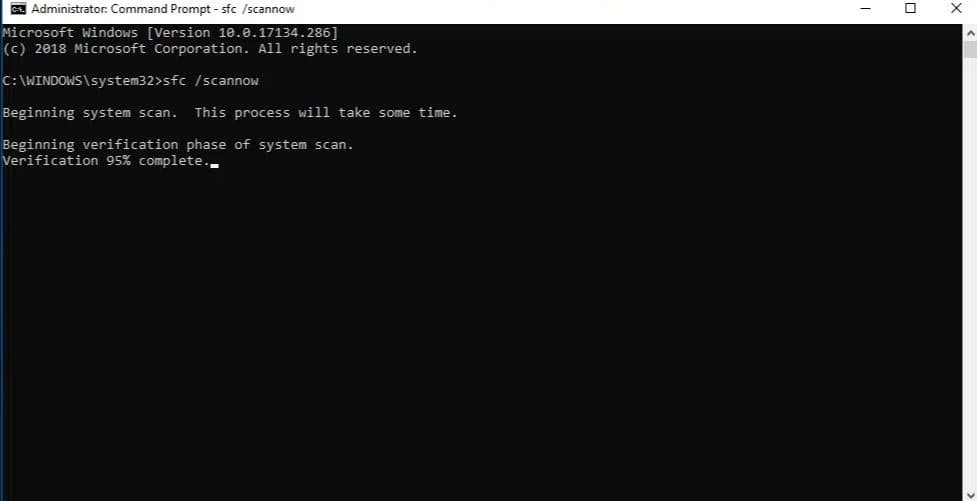
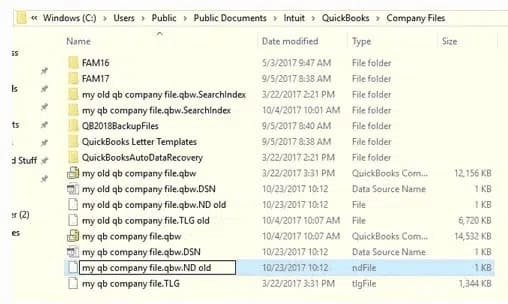
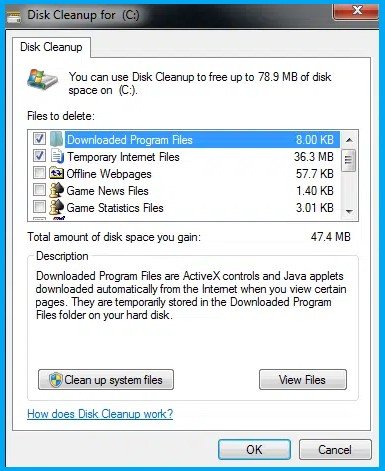
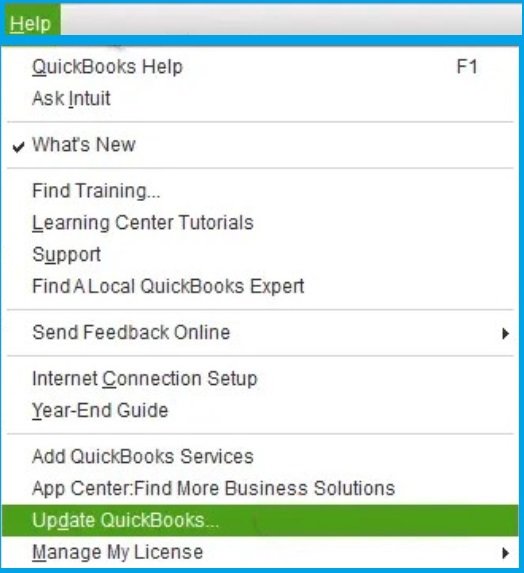
Follow these Solutions in sequence. After each step, try to open or restore your company file to check if the issue is resolved:
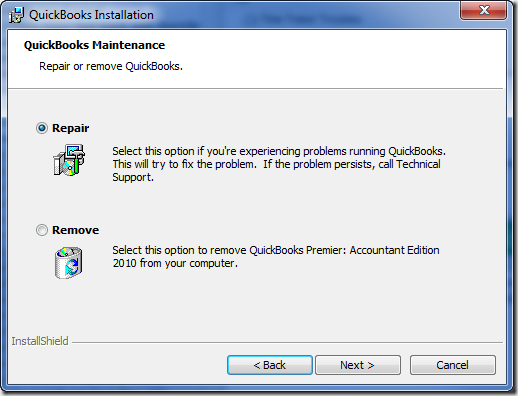
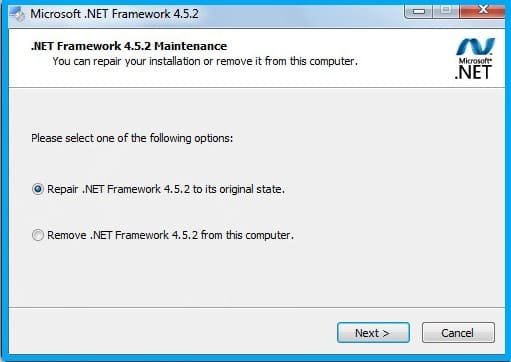
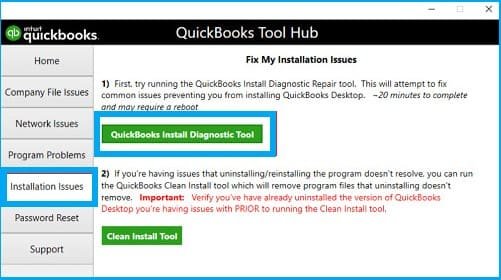
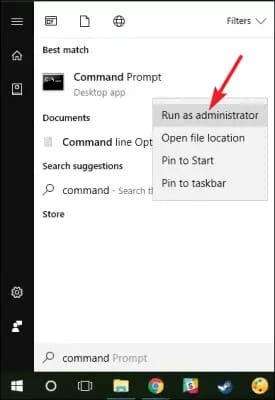
Here are common indicators that Error 6209 is occurring:
QuickBooks Error 6209 arises when QuickBooks cannot access company files, often due to corrupted installations, .NET Framework issues, or system file problems. By following a systematic troubleshooting path, updating software, diagnosing via Tool Hub and Install Diagnostic, repairing .NET, renaming configuration files, and using system utilities, you can resolve most cases. If, after all these steps, the error persists, the issue may lie in deeper system corruption or severe file damage. In such situations, consulting a QuickBooks recovery expert is wise to avoid data loss and restore full operation.
Ans: QuickBooks File Doctor is more suited for network or company file corruption errors (e.g., 6000 series). It may help in certain file access issues, but for Error 6209, repairing the installation or .NET is often more effective.
Ans: No. Renaming these files forces QuickBooks to rebuild them upon opening the company file. The actual data in your company file (.QBW) remains intact.
Ans: You should enable .NET Framework 3.5 (including SP1) and 4.x as required. Ensure they are turned on in Windows features.
Ans: If SFC fails, you can run DISM /Online /Cleanup-Image /RestoreHealth (on Windows 10/11). Or you may need advanced OS repair tools or reinstall Windows components.
Ans: If after trying all standard fixes, installation repair, .NET repair, file renaming, system utilities, the error persists, or if your company file still won’t open or shows data corruption signs, it’s time to seek professional help. An expert can perform deep-level file repair or recovery with minimal data loss.

